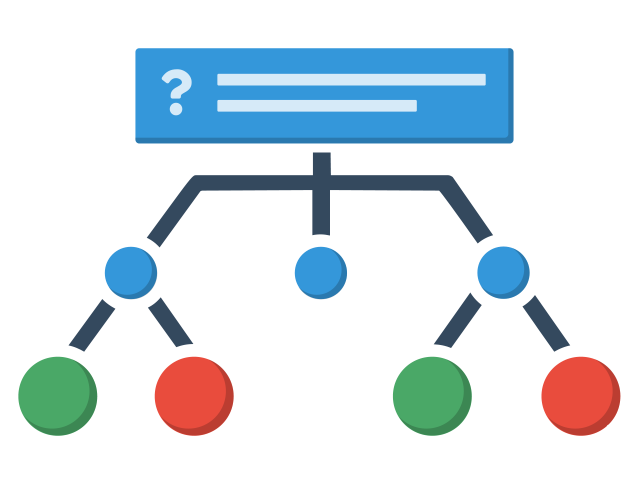
Kort præsentation af værktøjet branching scenario, der giver os mulighed for at designe materialer med forgreninger.
Installér
I denne film sørger vi for at installere værktøjet, så det er en del af vores H5P-cloud.
Opret nyt
Sådan opretter vi et nyt branching scenario element.
Indhold
Lær hvordan du indsætter og tilpasser indhold
Indstillinger
Alt om at indstille, oversætte og tilpasse dit element.
Styring
Lær hvordan du bestemmer hvad der skal ske.
Udgiv
Sådan udgiver du dit branching scenario til Skoletube.
Eksempler
Eksemplet herunder er det, der er lavet gennem rækken af videovejledninger.
Administrer samtykke til cookies
Vi bruger cookies for at optimere din oplevelse på vores site.
Funktionel
Altid aktiv
Den tekniske lagring eller adgang er strengt nødvendig med det legitime formål at muliggøre brugen af en specifik tjeneste, som abonnenten eller brugeren udtrykkeligt har anmodet om, eller udelukkende med det formål at overføre en kommunikation via et elektronisk kommunikationsnet.
Præferencer
Den tekniske lagring eller adgang er nødvendig for det legitime formål at lagre præferencer, som abonnenten eller brugeren ikke har anmodet om.
Statistik
Den tekniske lagring eller adgang, der udelukkende anvendes til statistiske formål.Den tekniske lagring eller adgang, der udelukkende anvendes til anonyme statistiske formål. Uden en stævning, frivillig overholdelse fra din internetudbyders side eller yderligere optegnelser fra en tredjepart kan oplysninger, der er gemt eller hentet til dette formål alene, normalt ikke bruges til at identificere dig.
Marketing
Den tekniske lagring eller adgang er nødvendig for at oprette brugerprofiler med henblik på at sende reklamer eller for at spore brugeren på et websted eller på tværs af flere websteder med henblik på lignende markedsføringsformål.